Switching from Orum: what you keep and what you give up
Orum is a parallel dialer for outbound teams. Dialstitch is a full phone system with a one-at-a-time power dialer, an AI SDR and speed to lead. Here's an honest look at when switching makes sense.
On this page
Orum and Dialstitch overlap less than you might think. Orum is built around dialing: lots of it, fast, with several lines at once. Dialstitch is a business phone system for the whole team, with a dialer inside it. So the real question is which of those your team needs.
What Orum is built for
Orum's pricing page, checked November 10, 2026, lists an AI dialer with a parallel dialer, a power dialer and unlimited dials, plus data enrichment, AI detection, international calling, voicemail drop and a voicemail sequencer, AI call summaries, and a live Salesfloor with rooms and live listen. AI coaching (roleplay agents and scorecards) is an add-on.
Pricing isn't published. You request it, and plans start at a minimum of 9 seats.
The big difference: parallel dialing
Orum dials several numbers at once and connects the rep to whoever picks up. Dialstitch doesn't do parallel dialing. Our dialer calls one entry at a time. With power dial on, the next entry comes up after each call with a 5-second countdown and dials itself, and the rep can pause, skip or call now. That keeps a rep moving through a list, but it's still one line at a time.
If your team's main number is connects per hour on cold lists, and parallel dialing is how you get there, Orum is probably the better fit. We'd rather say that now than after you've moved.
What the Dialstitch dialer does
Call lists are on Pro and Contact Centre. The dialer has:
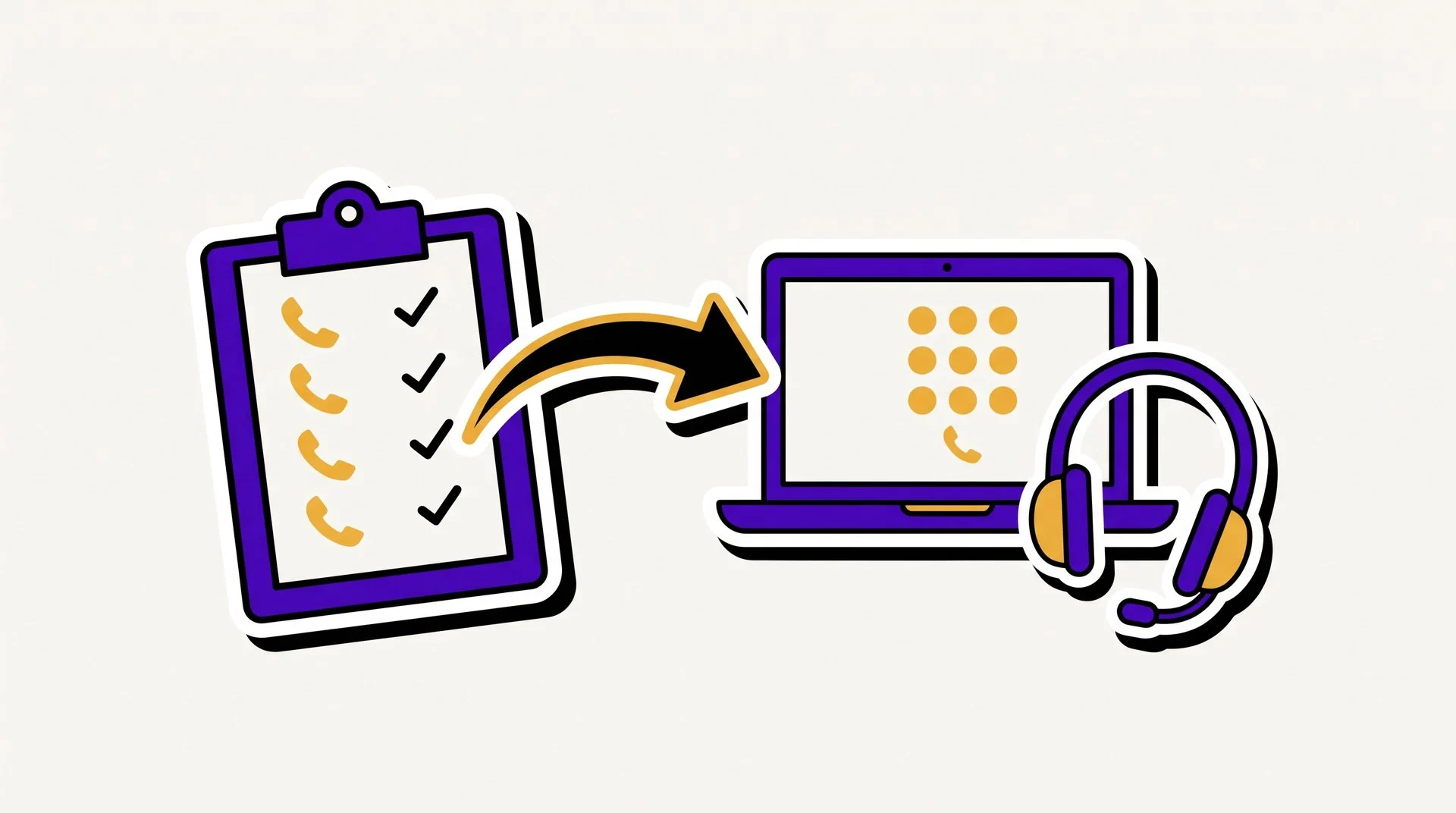
- Power dial: after each call the next entry dials itself after a 5-second countdown. Reps can pause, skip or call now, or turn it off for themselves.
- Local presence: calls come from a team number in the recipient's area code or state, chosen only from numbers you've marked for it, so a callback reaches your team.
- Voicemail drop: record a message once, drop it after the beep, and you're on the next entry while it plays. Admins can turn on automatic voicemail when a machine answers.
- Calling hours in each recipient's local time, with the stricter state and Canadian rules applied on top.
- A do-not-call list that blocks calls and texts from everywhere in the app.
- Dispositions that move you to the next entry, and HubSpot tasks completed after an answered call. With HubSpot connected, Dialstitch can build a call list of the day's open tasks every morning.
See Call lists and do-not-call for the details.
Things Orum doesn't cover
- An AI SDR. On Contact Centre, an AI agent can work a call list for you, one call at a time, up to 100 calls a day. It says it's an AI, asks your script's questions, and hands interested people to someone on your team. See AI SDR and AI scripts.
- Speed to lead. New web leads are called within seconds by a rep or the AI SDR, with a follow-up text, more calls and a callback. See Speed to lead.
- A whole phone system. Inbound calls, call queues, IVR menus, texting and team chat live in the same app. When a prospect calls back the local presence number, it rings your team.
- AI notes on every call, on every plan, with a suggested disposition after each one.
What you give up
- Parallel dialing.
- Built-in data enrichment.
- International dialing from the dialer: ours only calls US and Canadian numbers.
- AI roleplay coaching. Dialstitch has live coaching with assist cards and playbooks during real calls, and AI QA scorecards on Contact Centre, but no practice roleplays.
What it costs
Dialstitch publishes its prices and starts at one seat. Call lists and speed to lead are on Pro at $30 per user a month billed annually ($38 monthly). The AI SDR is on Contact Centre at $55 annually ($69 monthly). Every plan includes pooled calling minutes. See our pricing page.
Orum's pricing is by request, so we can't put a number next to it.
Making the move
- Export your lists and do-not-call numbers from Orum.
- Import your lists as CSV or Excel files under Contacts, then Import, and add the people to a call list as they import. See Importing contacts.
- Import your do-not-call list (up to 5,000 numbers at once).
- Mark which team numbers to use for local presence.
- Record your voicemail drops and set your calling hours.
Orum details are taken from orum.com/pricing on November 10, 2026, and may have changed since. Orum is a trademark of its owner. Dialstitch isn't affiliated with Orum.
Start your team on Dialstitch and run your next list from the same app your team answers calls in.